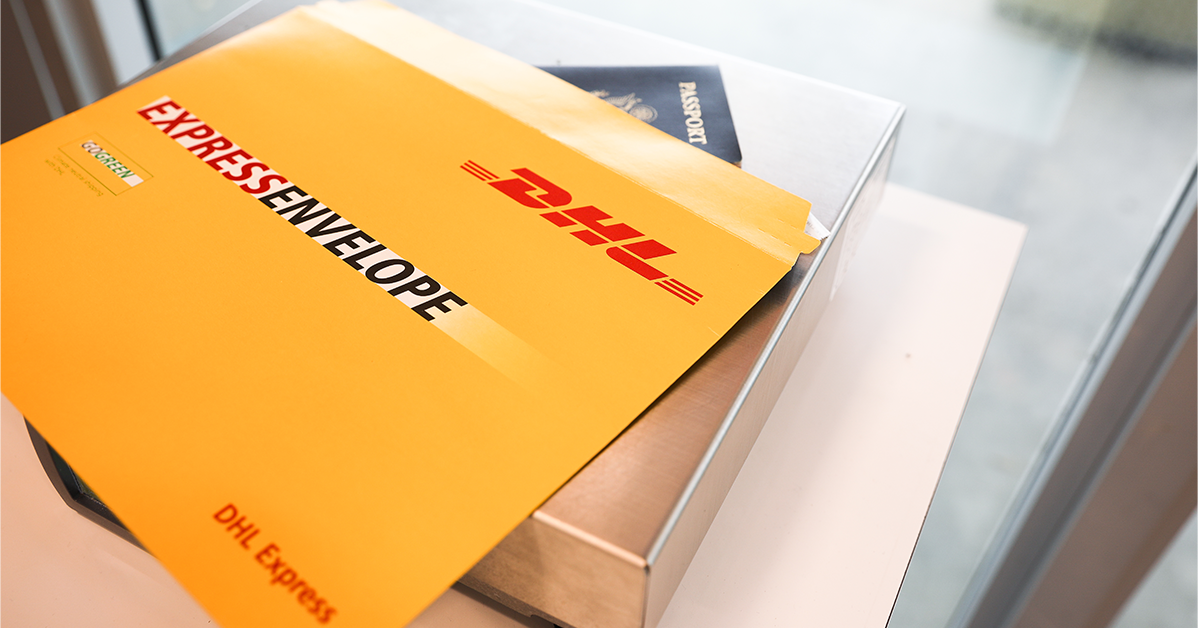
Sending a parcel from Malaysia to the Philippines is easier than ever — but knowing exactly where your package is once it leaves the country? That is where most people get stuck.
Whether you shipped via Poslaju, a freight forwarder, or an e-commerce platform, this guide walks you through every step to track your parcel from pickup in Malaysia all the way to delivery at a Philippine doorstep.
Why International Parcel Tracking Feels Confusing
When you ship domestically in Malaysia via Poslaju, tracking is straightforward — you enter your tracking number at pos.com.my and the status updates in real time.
But once your parcel crosses the border, it enters the international postal network. At this point, your parcel passes through multiple hands:
- Pos Malaysia / Poslaju — Origin handler (Malaysia)
- International air or sea freight carrier — Transit handler
- Philippine postal or courier partner — Destination handler (Philippines)
Each of these parties uses a different tracking system. That is why the status sometimes “disappears” for a few days. It has not been lost — it is simply moving between systems.
Step-by-Step: How to Track Your Parcel from Malaysia to the Philippines
There are three main stages of tracking. Here is how to handle each one.
Stage 1 — Track the Outgoing Shipment from Malaysia
Your first stop is always Poslaju or whichever Malaysian courier you used.
- Find your tracking number on the shipping receipt or confirmation email.
- Visit the official Pos Malaysia tracking portal at pos.com.my.
- Enter your tracking number and click Track.
- Confirm the status shows “Dispatched to International Gateway” — this means your parcel has left Malaysia and is in transit.
Tip: Save a screenshot of this status. If a dispute arises later, proof of dispatch from Malaysia protects you as the sender.
Stage 2 — Use a Universal Tracking Tool During Transit
Once your parcel leaves Malaysia, it enters the global postal network managed by the Universal Postal Union (UPU) — the United Nations agency that coordinates international mail between 192 member countries, including both Malaysia and the Philippines.
During the international transit phase, you can use the UPU track and trace portal at track.upu.int to monitor your parcel using the same tracking number.
This works best for parcels sent via Poslaju’s registered mail or EMS (Express Mail Service) options — both of which generate UPU-compatible tracking numbers.
Note: Economy or budget shipping options may not generate UPU-trackable numbers. Always ask for a registered tracking number when shipping internationally.
Stage 3 — Track the Parcel Inside the Philippines
Once your parcel arrives in the Philippines, it is handed to a local courier for last-mile delivery. One of the most commonly used Philippine couriers for incoming international parcels is JRS Express.
If your parcel has been assigned to JRS Express for delivery, you can track it in real time using the JRS tracking.
Here is how:
- Visit jrstracking.ph
- Enter the tracking number provided by your Philippine courier or freight forwarder
- Click Track to see the current delivery status, including the hub location and estimated delivery date
Tip: JRS Express covers a wide network of Philippine provinces, including Visayas and Mindanao — areas where some international couriers have limited reach. If your recipient is outside Metro Manila, JRS is often the most reliable last-mile option.
Comparison: Tracking at Each Stage
| Stage | Platform | What to Check |
| Malaysia dispatch | Poslaju / pos.com.my | “Dispatched to International Gateway” |
| International transit | UPU track.upu.int | In-transit updates between countries |
| Philippine delivery | JRS tracking / jrstracking.ph | Hub arrival + out for delivery status |
So, checking all three platforms in sequence is the most reliable method — because no single tool covers the full international journey end to end.
What If the Tracking Status Is Not Updating?
This happens more often than you’d like, especially during peak seasons (Ramadan, Christmas, and Philippine national holidays). Here is what to do:
Wait 3–5 business days first. International parcels can go silent during customs clearance. No update does not mean lost — it usually means it is sitting in a clearance queue.
Check the Philippine Bureau of Customs portal. If your parcel is stuck, it may be held for customs assessment. Visit customs.gov.ph and search by airway bill number.
Contact the Malaysian sender. Ask them to confirm the parcel was dispatched with a valid registered tracking number — not an economy label, which often has no real-time updates.
Raise a trace request with Poslaju. Call the Poslaju hotline at 1300 300 300 and request an international trace report. They can contact the Philippine partner courier on your behalf.
Tips for Smoother Malaysia-to-Philippines Parcel Shipping
Always ship with a registered tracking number. Economy parcels without tracking are a gamble. Pay the small extra fee for a registered label — it gives you full coverage across the UPU network.
Declare the correct item value. Underdeclaring on customs forms is a common mistake. Philippine customs holds parcels with incorrect declarations, causing delays that can last weeks.
Pack to survive multiple handling points. Your parcel will pass through at least three different handling facilities. Use double-boxing for fragile items and waterproof inner lining for electronics.
Ship before public holidays. Both Malaysia and the Philippines have frequent public holidays. Shipping 7–10 days before a holiday gives your parcel enough buffer to clear customs before the slowdown.
Notify your recipient in advance. Philippine courier services like JRS Express often require someone present at delivery. Give your recipient the tracking number early so they can monitor it and be available.
Keep all receipts until delivery is confirmed. Do not discard the Poslaju receipt until the Philippine recipient physically confirms delivery. Receipts are required if you need to file a claim.
Frequently Asked Questions
How long does it take for a Poslaju parcel to reach the Philippines?
Standard registered mail takes 7–14 business days. EMS (Express Mail Service) usually arrives within 3–7 business days. Delays during customs clearance can add 5–10 extra days.
Can I use the same tracking number for all three stages?
Yes, for registered mail and EMS. The same UPU-format tracking number works on Poslaju’s portal, the UPU tracker, and the Philippine destination courier’s system.
What is the cheapest way to send a parcel from Malaysia to the Philippines?
Poslaju’s registered mail via surface airlifted (SAL) service is the most affordable option with tracking. Economy airmail is cheaper but has no real-time tracking.
What happens if my parcel is stuck in Philippine customs?
Contact your Philippine recipient to visit or call the Bureau of Customs at customs.gov.ph. They may need to pay a customs duty or present an ID to release the parcel.
Can I track a JRS Express parcel without the original tracking number?
No — you need the tracking number assigned by the Philippine courier. Ask your sender or freight forwarder to provide this number at the time of handover.
Does Poslaju deliver directly to Philippine addresses?
Poslaju does not deliver to the final Philippine address directly. It hands over to a Philippine partner courier (such as JRS Express) for last-mile delivery.
Final Thoughts
Shipping from Malaysia to the Philippines involves multiple courier partners — and tracking across all of them is the key to stress-free delivery. Use Poslaju for your Malaysian dispatch confirmation, the UPU tracker for the international leg, and a Philippine-side tracker like jrstracking.ph for last-mile delivery status.
Keep your tracking number safe, declare items correctly, and ship with a registered label — and your parcel will reach its destination smoothly.